Choose your item, complete any options required, then click Add to Cart. This will bring up the Shopping Cart screen with details of your order. The number of items will default to 1, so If you require more than one of the item, alter the number in the Qty box and then click Update cart.
To order further items click Continue shopping, choose your item from the Catalogue, then click Add to Cart. Repeat this procedure until your order is complete and you are in the Shopping cart page. Before going to Checkout, check the list and if you need to remove any items, click the box below Remove and then click Update cart.
Click Checkout and on the Checkout page, complete all the information required as indicated by a red asterisks. At the bottom of the checkout page you can add any comments about your order. Click Review order and this will bring up the final page.
You can pay for your order by using PayPal, Bank Transfer, or by cheque.
If paying by cheque, print a copy of the Review Order page and send with your payment.
Check all the details and then click Submit order. You will receive an automated email confirmation.
Send your copy order and cheque to;
TRACKSIDE 25, 138 SINFIN AVENUE, SHELTON LOCK, DERBY DE24 9QA
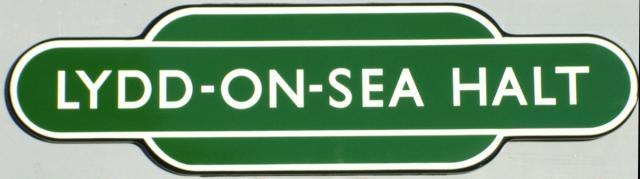
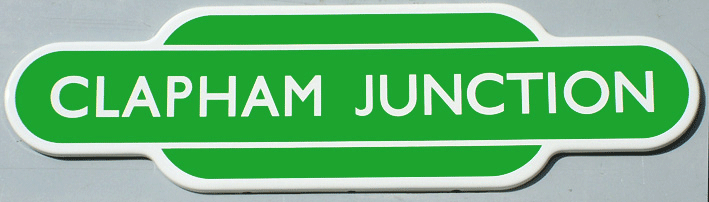

 LADIES ONLY
£5.50
LADIES ONLY
£5.50